Categories Generative AI

How Generative AI Is Transforming Sales Forecasting and Lead Scoring

AI-driven sales forecasting in Salesforce

Sales forecasting and lead scoring have always depended on historical data, manual judgment, and static models. While traditional predictive analytics improved accuracy, they still struggled with changing buyer behaviour, incomplete data, and delayed insights.

Generative AI changes this equation. Instead of only predicting outcomes, it creates context, explanations, and adaptive intelligence that sales teams can actually act on.

At CloudFountain, we are seeing businesses move from spreadsheet-driven forecasts to AI-assisted decision systems, where forecasts explain why numbers move and lead scores adjust dynamically in real time.

The Limitations of Traditional Forecasting and Lead Scoring

Before generative AI, most sales teams faced these issues:

  • Forecasts based heavily on historical averages
  • Lead scores driven by rigid rules and limited signals
  • Little visibility into why a deal was likely to close or stall
  • Overreliance on sales manager intuition

These methods worked in stable conditions, but modern buying cycles are anything but stable.

What Makes Generative AI Different?

Generative AI doesn’t just analyze data, it interprets, summarizes, and contextualizes it.

Within CRM platforms like Salesforce, generative AI builds narratives from complex datasets, combining:

  • CRM activity history
  • Buyer engagement patterns
  • Communication tone and sentiment
  • Deal velocity and pipeline behaviour

The result is intelligence that feels less like a report and more like a sales assistant.

Generative AI in Sales Forecasting

From Static Numbers to Living Forecasts

Traditional forecasts answer what might happen. Generative AI adds why and what to do next.

Key transformations include:

  • AI-generated explanations for forecast changes
  • Confidence-level indicators tied to deal behaviour
  • Scenario-based projections created on demand

Sales leaders can ask questions in natural language and receive contextual answers instead of charts alone.

Continuous Forecast Adjustment

Generative AI updates forecasts automatically based on:

  • New customer interactions
  • Changes in deal momentum
  • External signals affecting buying intent

This reduces end-of-quarter surprises and improves planning accuracy.

Generative AI in Lead Scoring

Beyond Rule-Based Scoring

Traditional lead scoring assigns points based on fixed criteria. Generative AI evaluates patterns, not just actions.

It considers:

  • Quality of engagement, not just frequency
  • Similarity to previously converted leads
  • Buyer intent inferred from behaviour and content interaction

Scores adjust continuously as new signals appear.

AI-Generated Lead Insights

Instead of a numeric score alone, generative AI produces:

  • Plain-language summaries explaining lead readiness
  • Suggested next steps for sales reps
  • Risk indicators for disengagement

This helps sales teams prioritize leads with clarity and confidence.

Sales Productivity Gains That Matter

Organizations using generative AI for forecasting and lead scoring typically experience:

  • More accurate pipeline visibility
  • Reduced time spent on manual analysis
  • Better alignment between sales and marketing
  • Higher conversion rates from qualified leads

Sales teams focus on conversations that matter, not administrative guesswork.

The Role of Trust and Data Quality

Generative AI is only as strong as the data behind it.

Successful adoption requires:

  • Clean, well-structured CRM data
  • Clearly defined sales stages and processes
  • Human oversight for high-impact decisions

At CloudFountain, we prioritize AI governance alongside innovation to ensure insights remain reliable and actionable.

How CloudFountain Helps Businesses Apply Generative AI Effectively?

We help organizations:

  • Integrate generative AI into Salesforce forecasting models
  • Redesign lead scoring frameworks using behavioural intelligence
  • Align AI outputs with real-world sales workflows
  • Train sales teams to interpret and trust AI-driven insights

Our approach focuses on practical adoption, not experimental features that never reach daily use.

Final Thoughts

Generative AI is redefining how sales teams understand their pipelines. Forecasts are no longer static predictions, and lead scores are no longer abstract numbers. Instead, sales leaders gain living intelligence that explains trends, highlights risks, and recommends action.

Businesses that adopt generative AI thoughtfully gain sharper forecasts, smarter prioritization, and stronger revenue outcomes. Those that delay continue relying on intuition in a data-rich world.

If you’re ready to modernize sales forecasting and lead scoring with generative AI, CloudFountain can help you implement it with precision and confidence.

Categories Salesforce Slack Integration

Common Challenges in Salesforce–Slack Integration and How to Overcome Them

Integrating Salesforce with Slack promises faster collaboration, real-time insights, and smarter decision-making. However, many organizations discover that simply connecting the two platforms does not automatically deliver results.

Without the right strategy, Salesforce Slack integration can create noise, confusion, and low adoption instead of efficiency.

Based on real-world implementations handled by CloudFountain, this blog outlines the most common Salesforce Slack integration challenges, and practical ways to overcome them.

Information Overload in Slack Channels

The Challenge

One of the most frequent complaints after integration is too many notifications.
Every update, field change, or system alert floods Slack channels, making it difficult for teams to identify what truly matters.

How to Overcome It

  • Configure event-based alerts, not all updates
  • Use role-specific channels (Sales, Support, Leadership)
  • Apply AI-driven filters using Salesforce Einstein to surface only high-impact updates

Result: Slack becomes a signal hub, not a distraction.

Low User Adoption Across Teams

The Challenge

Even with a powerful integration, teams often fall back to old habits, emails, manual CRM checks, or side conversations.

How to Overcome It

  • Design workflows around how teams already work
  • Embed Salesforce actions directly into Slack (approve, update, comment)
  • Conduct role-based onboarding instead of generic training

Result: Slack becomes the default workspace for Salesforce collaboration.

Poorly Defined Use Cases

The Challenge

Many organizations integrate Salesforce and Slack without clarity on why. This leads to unused features and fragmented workflows.

How to Overcome It

Define clear objectives such as:

  • Sales pipeline updates in real time
  • Case escalation workflows for support teams
  • Approval automation for managers

Start small, then scale intelligently.

Result: Measurable business impact instead of underused integrations.

Data Security and Access Control Risks

The Challenge

Salesforce contains sensitive customer and revenue data. Without proper controls, Slack can expose information to unintended users.

How to Overcome It

  • Align Salesforce permissions with Slack user roles
  • Restrict data visibility at the object and field level
  • Use private channels for confidential workflows

Result: Secure collaboration without compromising compliance.

Over-Automation Without Human Context

The Challenge

Automation is powerful, but excessive automation removes critical human judgment, especially in sales and customer support.

How to Overcome It

  • Use AI recommendations, not AI decisions
  • Allow manual overrides in approval workflows
  • Combine alerts with context summaries instead of raw data

Result: Automation supports teams instead of replacing thoughtful decision-making.

Inconsistent Workflow Design Across Departments

The Challenge

Sales, marketing, and service teams often build integrations independently, leading to fragmented experiences.

How to Overcome It

  • Create a central integration governance model
  • Standardize naming conventions, channels, and workflows
  • Align Salesforce objects with shared Slack processes

Result: A consistent, scalable collaboration framework.

Lack of Ongoing Optimization

The Challenge

Many integrations are treated as “set and forget.” As business needs evolve, workflows become outdated.

How to Overcome It

  • Review Slack–Salesforce workflows quarterly
  • Use analytics to track engagement and response times
  • Continuously refine alerts, automations, and AI insights

Result: Long-term value instead of short-term improvements.

How does CloudFountain solve these challenges?

At CloudFountain, we don’t treat Salesforce–Slack integration as a technical connector; it’s a business transformation layer.

We help organizations:

  • Identify high-impact collaboration use cases
  • Configure AI-driven workflows aligned with real teams
  • Secure Salesforce data within Slack environments
  • Drive adoption through practical, role-based enablement

Our approach ensures your integration delivers clarity, speed, and measurable ROI.

Final Thoughts

Salesforce Slack integration can either amplify productivity or amplify chaos. The difference lies in strategy, design, and execution.

By addressing these common challenges early, businesses can turn Slack into a true Salesforce-powered command center, where insights arrive at the right time, decisions happen faster, and teams stay aligned.

If your Salesforce Slack integration isn’t delivering the results you expected, it may be time to rethink the approach, with expert guidance from CloudFountain.

FAQs – Frequently Asked Questions

1. What is Salesforce Slack integration?

Salesforce Slack integration connects CRM data with team communication, allowing users to receive real-time updates, collaborate on deals, and take actions directly within Slack.

2. Why does Salesforce Slack integration create too many notifications?

Without proper configuration, every update or system alert can trigger notifications. This leads to information overload and makes it difficult for teams to focus on important updates.

3. How can I reduce notification overload in Slack after integration?

You can reduce noise by setting event-based alerts, creating role-specific channels, and using AI filters to highlight only high-priority updates.

4. Why is user adoption low after Salesforce Slack integration?

Low adoption happens when workflows are not aligned with how teams work. If users find Slack integration complicated, they may continue using emails or manual CRM checks.

5. How can I improve adoption of Salesforce Slack integration?

Improve adoption by embedding Salesforce actions in Slack, offering role-based training, and designing workflows that match team processes.

6. What are common use cases for Salesforce Slack integration?

Common use cases include real-time sales pipeline updates, customer support case escalation, and approval workflows for managers.

7. Is Salesforce Slack integration secure?

Yes, but only if configured properly. You must align user permissions, restrict data access, and use private Slack channels for sensitive information.

8. What are the risks of over-automation in Salesforce Slack integration?

Too much automation can remove human judgment, especially in sales and support decisions. This can lead to incorrect actions or missed context.

9. How can I balance automation and human decision-making?

Use AI for recommendations, not final decisions. Allow manual approvals and include context summaries in alerts.

10. Why is ongoing optimization important in Salesforce Slack integration?

Business needs change over time. Regular reviews and updates ensure workflows stay relevant, efficient, and aligned with business goals.

11. What challenges occur when teams build integrations separately?

Independent setups can create inconsistent workflows, confusion, and poor collaboration across departments.

12. How can businesses get better results from Salesforce Slack integration?

Businesses should define clear use cases, implement structured workflows, maintain security, and continuously optimize the integration for better ROI.

Categories Salesforce Releases

What’s New in Salesforce Releases: AI and Automation Highlights

Every Salesforce release brings incremental improvements, but recent releases mark a clear shift toward AI-first CRM and intelligent automation. Salesforce is no longer just a system of record; it is becoming a system of action, where insights, recommendations, and workflows operate with minimal manual effort.

At CloudFountain, we closely analyse Salesforce releases to help businesses convert new features into real operational gains. Below are the most important AI and automation highlights from recent Salesforce releases and why they matter for your organization.

AI Takes Center Stage Across Salesforce Clouds

Salesforce has embedded AI deeper into the platform, making intelligence more contextual, proactive, and actionable.

Einstein AI Becomes More Predictive and Context-Aware

Salesforce continues expanding Einstein AI, shifting it from reporting insights to decision support.

Key improvements include:

  • Smarter opportunity scoring based on real-time behaviour
  • Predictive forecasting with clearer confidence indicators
  • Automated summaries for accounts, leads, and cases

This reduces reliance on static dashboards and manual analysis.

AI-Powered Insights Delivered in Real Time

Instead of pulling reports, users now receive:

  • Alerts when deals are at risk
  • Recommendations for next-best actions
  • Customer sentiment insights during active workflows

AI now works within daily operations, not after the fact.

Automation Gets Faster, Smarter, and Easier to Scale

Automation has been a Salesforce strength for years. Recent releases refine it into a more flexible, business-friendly engine.

Salesforce Flow Enhancements

Salesforce Flow continues to replace legacy automation tools with expanded capabilities:

  • More powerful decision logic without custom code
  • Improved performance for complex record-triggered flows
  • Better debugging and error-handling tools

Admins can build enterprise-grade automation with greater confidence and clarity.

Event-Driven Automation

New event-based triggers allow organizations to:

  • React instantly to data changes
  • Automate cross-object workflows
  • Connect Salesforce actions with collaboration tools like Slack

This creates real-time operational responsiveness, not delayed batch processing.

AI + Automation = Intelligent Workflows

The most impactful change is how AI and automation now work together.

Smart Workflow Recommendations

AI analyzes historical data and suggests:

  • When to escalate a case
  • Which leads deserve immediate follow-up
  • How to prioritize workloads

Automation then executes these recommendations automatically or presents them for approval.

Reduced Manual Data Entry

Salesforce continues to minimize human input by:

  • Auto-updating records based on activity
  • Using AI to suggest field values
  • Eliminating duplicate data through intelligent matching

This improves data quality while saving time.

Sales Cloud: Faster Decisions, Cleaner Pipelines

Recent updates in Sales Cloud focus on revenue acceleration:

  • AI-driven deal health indicators
  • Automated pipeline hygiene rules
  • Predictive close-date adjustments

Sales teams spend less time managing CRM and more time closing business.

Service Cloud: Proactive Support at Scale

Service Cloud now benefits from:

  • AI-recommended responses for agents
  • Automated case routing based on urgency and sentiment
  • Predictive escalation before SLAs are breached

Support teams shift from reactive firefighting to proactive service delivery.

Admin and IT Productivity Improvements

Salesforce hasn’t forgotten administrators and IT teams.

Notable upgrades include:

  • Clearer automation performance metrics
  • Improved sandbox testing for AI-driven features
  • Stronger governance controls for enterprise deployments

This makes innovation safer and easier to manage.

What These Updates Mean for Businesses

Organizations that actively adopt these features gain:

  • Faster execution across departments
  • More accurate forecasting and planning
  • Better customer experiences with fewer resources
  • Stronger alignment between sales, service, and operations

However, these benefits depend on intentional implementation, not passive upgrades.

How The Cloud Fountain Helps You Maximize New Salesforce Releases?

At CloudFountain, we help businesses:

  • Assess which AI and automation features matter most
  • Redesign workflows to align with new Salesforce capabilities
  • Implement intelligent automation without disrupting operations
  • Train teams to use AI insights effectively

Our goal is simple: turn Salesforce releases into measurable business outcomes.

Final Thoughts

Salesforce releases are no longer just feature updates, they are strategic upgrades in how organizations operate. AI and automation now form the backbone of modern CRM, reducing friction, improving accuracy, and enabling faster decisions.

Businesses that keep pace with these changes gain a clear advantage. Those that don’t risk falling behind, not because Salesforce lacks capability, but because it isn’t being used to its full potential.

If you want to extract real value from the latest Salesforce AI and automation features, CloudFountain is ready to guide you.

FAQs – Frequently Asked Questions

1. What are the latest AI updates in Salesforce?

Salesforce has enhanced its AI capabilities through Einstein AI, making it more predictive and context-aware. It now provides real-time insights, opportunity scoring, forecasting, and automated summaries for leads, accounts, and cases.

2. How does Salesforce use AI in daily operations?

Salesforce delivers AI-driven alerts, next-best action recommendations, and customer sentiment insights directly within workflows. This allows teams to act instantly instead of relying on reports.

3. What improvements have been made to Salesforce automation?

Salesforce Flow has been upgraded with better logic, performance, and debugging tools. Event-driven automation now enables real-time responses to data changes and seamless integration with tools like Slack.

4. How do AI and automation work together in Salesforce?

AI analyzes historical data and suggests actions like lead prioritization or case escalation, while automation executes these tasks automatically or with approval, creating intelligent workflows.

5. How does Salesforce reduce manual data entry?

Salesforce uses AI to auto-update records, suggest field values, and eliminate duplicate data through intelligent matching, improving efficiency and data accuracy.

6. What are the benefits of Salesforce AI for sales teams?

Sales Cloud now offers AI-driven deal insights, automated pipeline management, and predictive close-date adjustments, helping sales teams focus more on closing deals.

7. How does Salesforce improve customer service with AI?

Service Cloud provides AI-recommended responses, automated case routing, and predictive escalation, allowing teams to deliver proactive support.

8. What advantages do businesses get from Salesforce AI and automation?

Businesses benefit from faster execution, improved forecasting, better customer experience, reduced manual work, and stronger alignment across teams.

9. Why is Salesforce becoming a system of action?

Salesforce is evolving beyond a data storage system by enabling real-time insights, automated workflows, and intelligent recommendations that drive immediate actions.

10. How can businesses maximize Salesforce AI features?

Businesses should strategically implement AI features, redesign workflows, and train teams to use insights effectively to achieve measurable outcomes.

Categories Salesforce

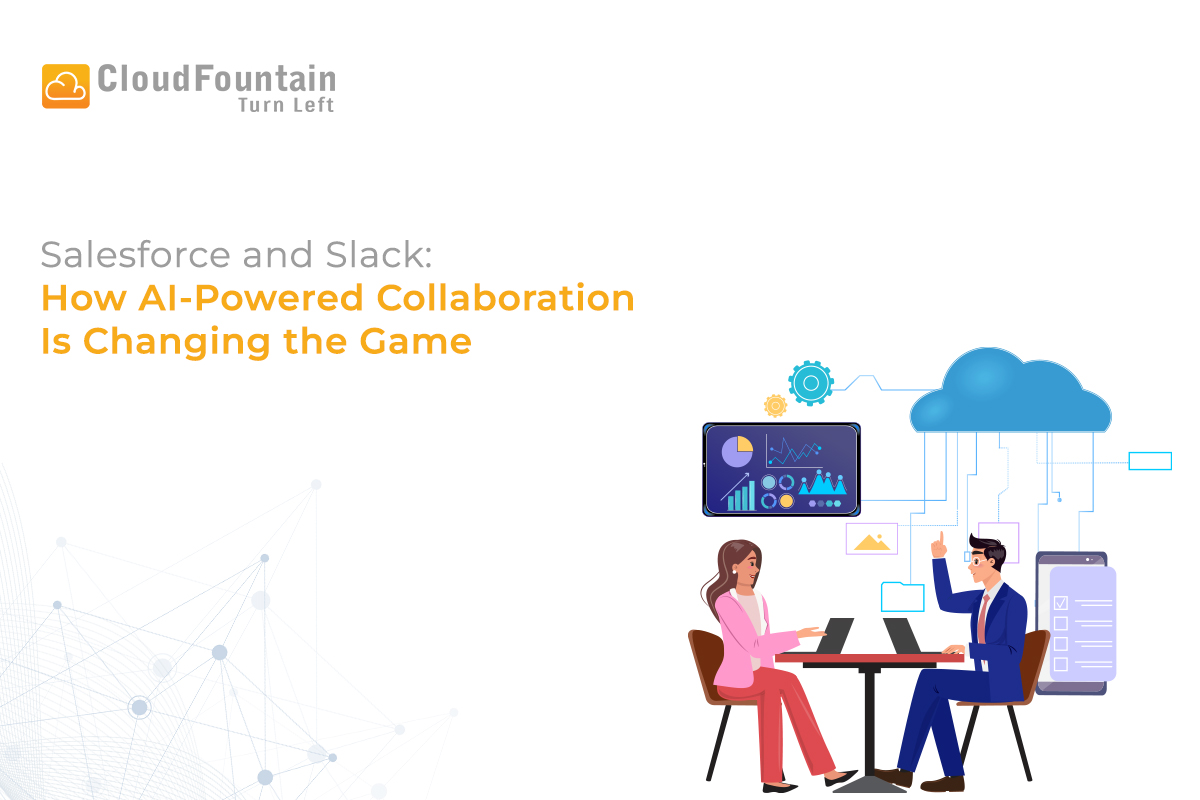
Salesforce and Slack: How AI-Powered Collaboration Is Changing the Game

Salesforce Slack AI integration

Modern businesses no longer struggle because of a lack of tools, they struggle because information is scattered across too many systems. Sales updates live in CRMs, support tickets sit in helpdesks, and internal discussions happen in chat tools. The real challenge is connecting people, data, and decisions in real time.

This is exactly where the powerful combination of Salesforce and Slack is redefining collaboration, especially with AI at the core.

At CloudFountain, where we help organizations design, implement, and optimize Salesforce-driven ecosystems, we see this integration as more than a productivity upgrade. It’s a shift in how teams operate, decide, and deliver value.

The Problem with Traditional Collaboration

Before Salesforce–Slack integration, most teams faced common issues:

  • CRM data locked inside dashboards that only a few people check regularly
  • Sales, marketing, and support working in silos
  • Delayed decisions due to manual reporting and email chains
  • Context switching between tools, reducing focus and speed

AI-powered collaboration solves these issues by bringing insights to where conversations already happen.

Salesforce + Slack: A Unified Collaboration Hub

Salesforce acquired Slack with a clear vision: turn Slack into a digital headquarters powered by real-time CRM intelligence.

Instead of asking:

Can someone pull a report?

Teams now experience:

Here’s the insight you need, automatically, inside your Slack channel.

What This Integration Delivers

  • Live Salesforce data inside Slack conversations
  • Automated alerts for leads, deals, and cases
  • AI-driven recommendations and summaries
  • Faster cross-team alignment without extra meetings

The Role of AI: From Data to Decisions

AI is the real game-changer behind Salesforce and Slack working together.

  1. AI-Generated Insights in Real Time

Salesforce AI (Einstein) analyses customer data and pushes relevant insights directly into Slack channels:

  • Deal risks and opportunities
  • Customer sentiment and engagement signals
  • Forecast changes and pipeline movement

Teams act immediately instead of waiting for weekly reviews.

  1. Smarter Sales Collaboration

Sales teams benefit massively from AI-powered Slack notifications:

  • Instant alerts when a lead is assigned or updated
  • AI summaries of account activity before a call
  • Collaboration with managers inside deal-specific channels

Result: shorter sales cycles and better win rates.

  1. AI-Enhanced Customer Support

Support teams use Slack as a live command center:

  • Salesforce cases auto-create Slack threads
  • AI suggests solutions based on similar past cases
  • Escalations happen instantly, with full context

This leads to faster resolutions and happier customers.

  1. Automated Workflows with Slack + Salesforce

AI-driven automation removes repetitive tasks:

  • Approvals triggered automatically in Slack
  • Case routing based on AI prioritization
  • Status updates posted without manual input

Teams spend less time managing work and more time doing meaningful work.

Real Business Impact You Can Expect

Organizations adopting Salesforce, Slack AI collaboration typically see:

  • Faster decision-making
  • Reduced internal emails and meetings
  • Improved sales forecasting accuracy
  • Stronger alignment across departments
  • Better customer experiences

These aren’t theoretical benefits, they’re operational advantages.

How CloudFountain Helps You Get It Right?

Technology alone doesn’t deliver results. Strategy and execution do.

At CloudFountain, we help businesses:

  • Design Salesforce–Slack collaboration frameworks
  • Configure AI-driven workflows tailored to your processes
  • Integrate Slack channels with Sales, Service, and Marketing Clouds
  • Train teams to actually adopt and use AI-powered collaboration

Our focus is simple: make Salesforce work the way your teams work.

Is AI-Powered Collaboration Right for Your Business?

If your teams rely on Salesforce and Slack but still:

  • Chase updates manually
  • Struggle with slow approvals
  • Miss insights hidden in CRM data

Then AI-powered collaboration isn’t optional; it’s the next logical step.

Final Thoughts

Salesforce and Slack, powered by AI, are transforming the way work gets done. Collaboration is no longer reactive or manual, it’s intelligent, proactive, and embedded into daily workflows.

Businesses that embrace this model move faster, respond smarter, and stay ahead of competitors still buried in dashboards and emails.

If you’re ready to transform collaboration into a real business advantage, CloudFountain is ready to help.

FAQs – Frequently Asked Questions

1. What is Salesforce and Slack integration?

Salesforce and Slack integration connects CRM data with team communication, allowing users to access real-time insights, collaborate on deals, and take actions directly within Slack channels.

2. How does AI improve Salesforce and Slack collaboration?

AI analyzes customer data in Salesforce and delivers real-time insights, alerts, and recommendations directly in Slack. This helps teams make faster and more informed decisions without manual reporting.

3. What are the benefits of Salesforce Slack integration for businesses?

Businesses benefit from faster decision-making, reduced emails and meetings, improved team alignment, better sales forecasting, and enhanced customer experiences.

4. How does Salesforce Einstein AI work with Slack?

Salesforce Einstein AI processes CRM data to identify trends, risks, and opportunities, then shares these insights in Slack channels as alerts, summaries, and recommendations.

5. How does this integration help sales teams?

Sales teams receive instant notifications about leads and deals, AI-generated account summaries, and can collaborate in real time within Slack, leading to faster deal closures.

6. How does Salesforce Slack integration improve customer support?

Support teams can manage cases directly in Slack, receive AI-recommended solutions, and escalate issues quickly with full context, resulting in faster resolution times.

7. Can workflows be automated using Salesforce and Slack?

Yes, workflows such as approvals, case routing, and status updates can be automated using AI, reducing manual tasks and improving operational efficiency.

8. Why is AI-powered collaboration important for modern businesses?

AI-powered collaboration ensures that insights are delivered instantly where teams communicate, reducing delays, improving productivity, and enabling smarter decision-making.

9. What challenges does Salesforce Slack integration solve?

It eliminates data silos, reduces context switching, speeds up decision-making, and brings CRM insights directly into team conversations.

10. Is Salesforce Slack integration suitable for all businesses?

It is ideal for businesses using Salesforce and Slack that want to improve collaboration, automate workflows, and make data-driven decisions faster.

11. How can businesses successfully implement Salesforce Slack integration?

Success depends on defining clear use cases, configuring workflows properly, aligning teams, and ensuring ongoing optimization and training.

12. How does CloudFountain help with Salesforce Slack integration?

CloudFountain helps design collaboration frameworks, implement AI-driven workflows, integrate Salesforce with Slack, and train teams for better adoption and results.

Categories AI Integration

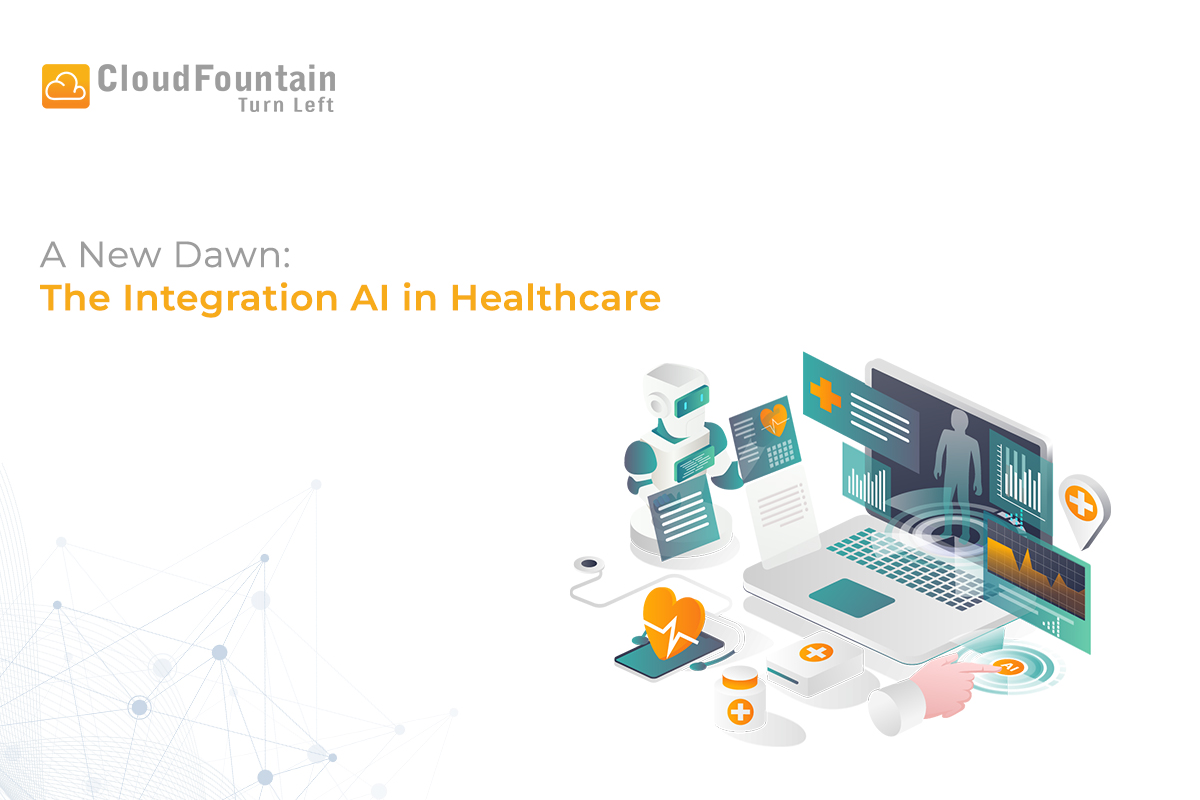
A New Dawn: The Integration of AI in Healthcare

Healthcare has always been about two things: science and compassion. Doctors rely on data, knowledge, and experience, but patients rely on trust, empathy, and care. In recent years, artificial intelligence (AI) in healthcare has begun bridging these two worlds. What started as simple experiments in medical computing has now grown into one of the most transformative movements in modern medicine.

Where It All Began: The Genesis of an Idea

The roots of AI in medicine go back to the 1970s. One of the earliest systems, MYCIN, was designed to help diagnose bacterial infections. It wasn’t perfect, but it showed what was possible: machines could support doctors in decision-making.

Fast forward a few decades, and the rise of machine learning and deep learning changed everything. With faster computers, cloud storage, and electronic health records, AI could finally process massive amounts of data from medical images to lab reports. Instead of just supporting doctors, AI started becoming a genuine partner in diagnosis, treatment planning, and even drug discovery.

The New Trends: A Symphony of Human and Machine

Today, AI has moved beyond theory. It’s actively shaping the way hospitals, clinics, and research centers function. Some of the most exciting AI trends in healthcare include:

  1. AI in Medical Imaging and Diagnostics
    Tools powered by AI are now detecting tumors, fractures, and brain anomalies in scans often earlier and with greater accuracy than humans. This early detection is critical for diseases like cancer.
  2. Predictive Healthcare Analytics
    Hospitals are using AI to predict patient readmissions, detect disease risk, and forecast health outcomes. This not only saves costs but also helps doctors act before conditions worsen.
  3. Personalized Medicine
    By analyzing genetics, lifestyle habits, and medical history, AI designs treatment plans unique to each patient. No more “one-size-fits-all” this is the age of precision healthcare.
  4. AI in Drug Discovery
    What once took a decade in research can now be accelerated by AI models. They identify promising compounds, simulate results, and speed up clinical trials.
  5. Virtual Health Assistants & AI Chatbots
    From answering patient questions to reminding them to take medications, AI assistants are improving patient engagement and reducing hospital workload.
  6. Robotic Surgery and Automation
    Surgical robots enhanced with AI support doctors with unparalleled precision, leading to fewer complications and faster recoveries.

The Future Awaits: A Vision of Proactive Healthcare

The future of AI in medicine looks promising and far-reaching. Here’s what we can expect in the coming years:

  • Preventive and Predictive Care at Scale
    Wearable devices will continuously track vitals like heart rate, oxygen, and glucose levels. With AI analyzing this data, diseases could be spotted before symptoms even appear.
  • Unified Patient Data Systems
    Imagine one intelligent system that combines genetic reports, clinical notes, lifestyle data, and medical images into a single health profile. Doctors could make more holistic, data-driven decisions.
  • Accessible Global Healthcare
    AI-powered diagnostic tools could reach rural and underserved regions, where doctors are scarce, bringing quality care to millions.
  • Ethical and Explainable AI
    As AI becomes more common in healthcare, transparency and ethics will be at the forefront ensuring patients trust the decisions being made with their data.
  • Stronger Human-AI Collaboration
    AI will never replace doctors. Instead, it will handle data-heavy tasks while freeing up healthcare professionals to focus on what truly matters – listening, empathizing, and guiding patients through their healing journey.

The integration of AI in healthcare is not just about machines making decisions it’s about making healthcare smarter, faster, and more human-centered. AI handles the data; doctors handle the heart. Together, they are redefining what it means to live healthier and longer.

From its modest beginnings in rule-based systems to today’s advanced AI models, the journey has been remarkable. And the road ahead promises something even more extraordinary: a world where technology and compassion work hand in hand to transform global health.

FAQs – Frequently Asked Questions

1. What is AI in healthcare?

AI in healthcare refers to the use of artificial intelligence technologies to analyze medical data, assist in diagnosis, improve treatment plans, and enhance patient care.

2. How is AI used in modern healthcare?

AI is used in medical imaging, predictive analytics, personalized medicine, drug discovery, virtual health assistants, and robotic surgeries to improve accuracy and efficiency.

3. What are the benefits of AI in healthcare?

AI helps in early disease detection, faster diagnosis, reduced costs, personalized treatments, improved patient outcomes, and better hospital management.

4. Can AI replace doctors in the future?

No, AI is designed to support doctors, not replace them. It handles data analysis while doctors focus on patient care, empathy, and decision-making.

5. How does AI improve medical diagnosis?

AI analyzes medical images and patient data to detect diseases such as cancer, fractures, and neurological conditions earlier and with high accuracy.

6. What is predictive analytics in healthcare?

Predictive analytics uses AI to analyze patient data and predict future health risks, hospital readmissions, and disease progression.

7. How does AI help in personalized medicine?

AI studies a patient’s genetics, lifestyle, and medical history to create customized treatment plans tailored to individual needs.

8. What role does AI play in drug discovery?

AI accelerates drug discovery by identifying potential compounds, simulating outcomes, and reducing the time required for research and clinical trials.

9. What is the future of AI in healthcare?

The future includes preventive care through wearables, unified patient data systems, global access to healthcare, and ethical AI systems for better transparency.

10. Is AI in healthcare safe and reliable?

AI is continuously improving and, when used with proper validation and ethical standards, it can be highly reliable and safe in supporting medical decisions.